In the Essentials Vault · Indicator · v3.2
DS Liquidity Hunter
Every pool, and the odds price reaches it.
- Every resting pool, mapped and ranked
- Reach odds from your chart's history
- A live track record for HOT, WARM and COOL
- SWEPT or RUN, on the next close
Comes with the DS Essentials Vault: every paid DS indicator for $39.99 a month, or $149.99 for Lifetime access, with every new one added at no extra cost. Not sold on its own.
$39.99 a month, renewing monthly until you cancel. Cancel any time from your Whop account: you are not billed again, and the vault stays open until the end of the month you paid for. Or $149.99 for Lifetime access: one payment, no renewal and nothing to cancel, with every new indicator and every update included. What else is inside
What it is for
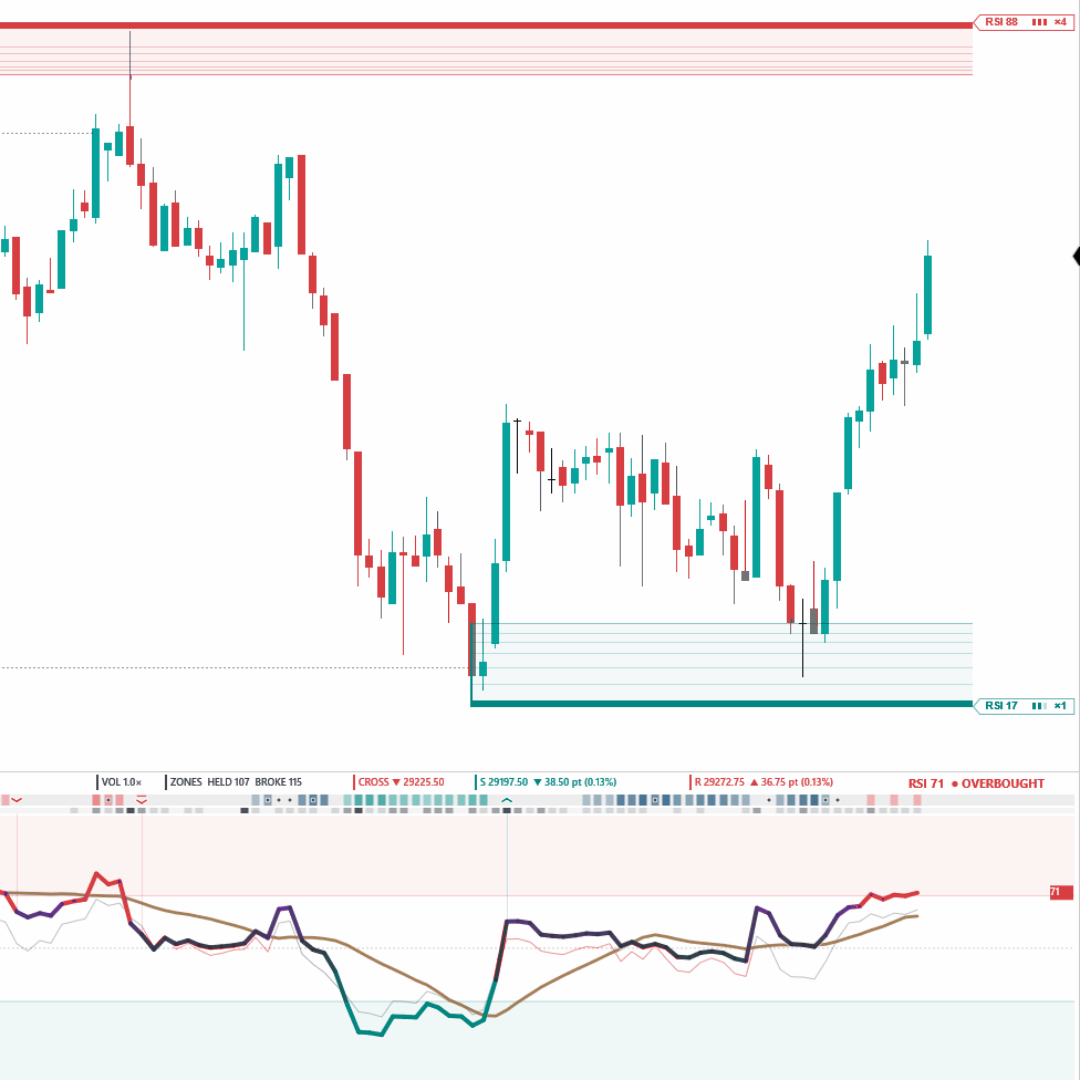
Every liquidity tool draws the same thing — the highs and lows price left behind — and most stop there. DS Liquidity Hunter adds how likely price is to go back for each one: every pool carries the measured odds that price trades to it within the horizon, read from your own chart's history and adjusted for the time of day, and the panel scores those odds against what happened next, in its header. When a pool is taken, the next close says whether it was SWEPT or RUN. You see where the liquidity is and what it would take to get there.
What it reads from your chart
Price only (closed bars). No volume, no tick data.
What comes with it
- Setup
- A README and a step-by-step guide, opening with the Properties window exactly as NinjaTrader shows it.
- Settings
- Every setting explained in plain words, right where you change it.
- On your chart
- Draws on tick, range, volume and Renko charts, and sits cleanly beside every other DS tool: one look, one price-tag column.
- Updates
- Every new version, and every new DS indicator, at no extra cost: for as long as you are a member, or with Lifetime access on the one-time option.
- Runs on
- NinjaTrader 8, version 8.1.8.1 or newer, on Windows.
- Questions
- Straight to support@dsuniverse.net.