
Our trading platform

Our Recommended Trading Platform
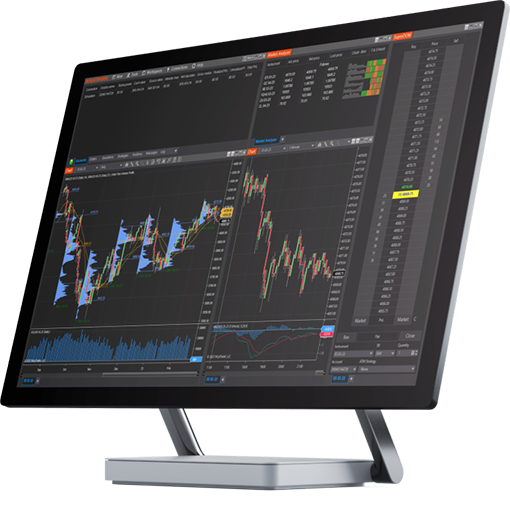
NinjaTrader® is our #1 recommended trading software platform preferred by traders worldwide including our clients.
Free to start
Download NinjaTrader & receive immediate FREE access to:
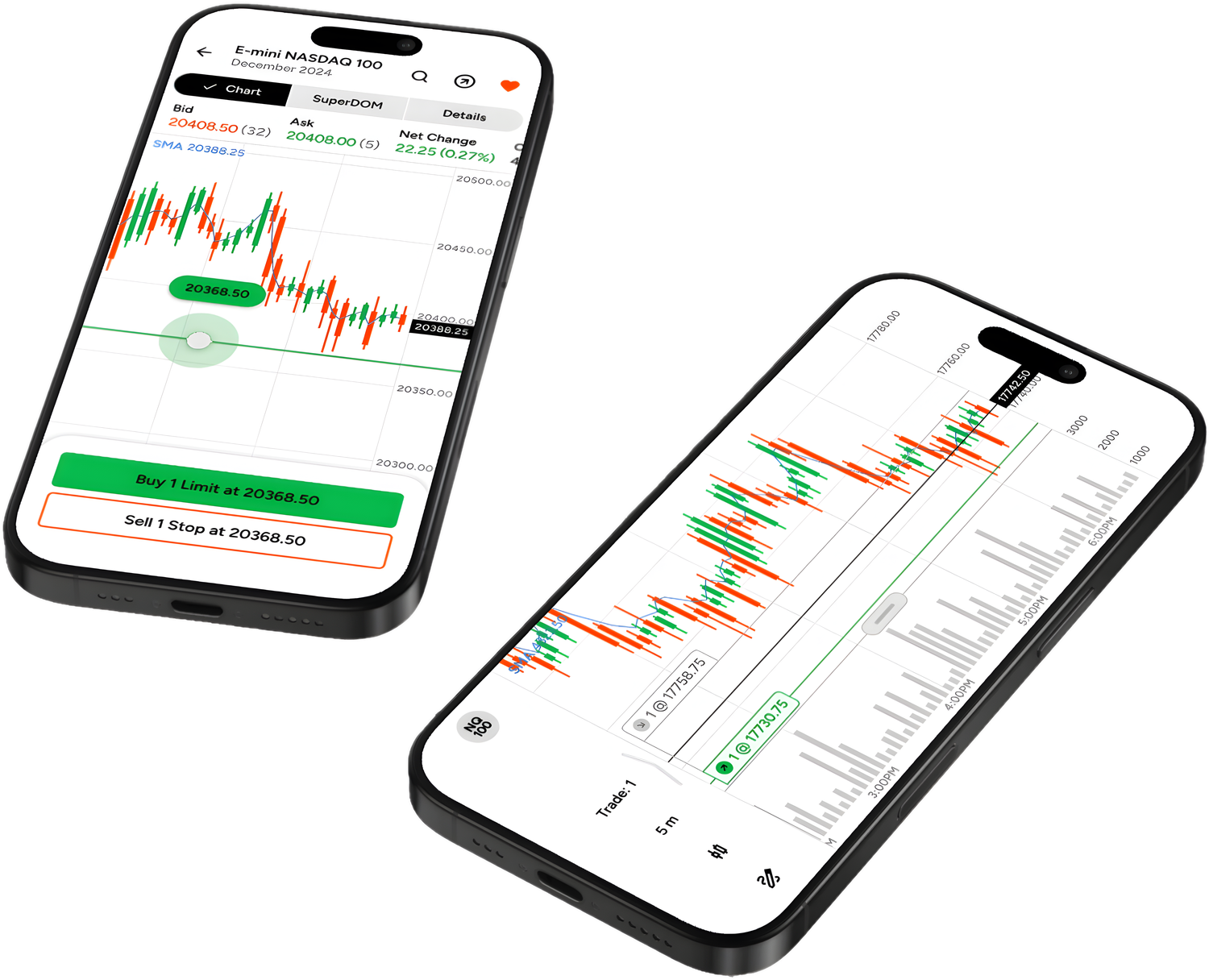
NinjaTrader’s award-winning trading platform is consistently voted an industry leader by the trading community. Featuring 1000s of Apps & Add-Ons for unlimited customization, NinjaTrader is used by over 1.9 million traders for advanced market analysis, professional charting and fast order execution.
- 01Real-time futures data
- 02Advanced charting
- 03Trade simulator
- 04Strategy development and backtesting
For new traders, start preparing for the live markets with a free trading simulator featuring real-time market data.
DS Universe on NinjaTrader 8
Made for the platform you already trade on.
- Built in NinjaScript
- Every DS tool is written for NinjaTrader 8, version 8.1.8.1 or newer, and imports like any other add-on. Nothing to compile, nothing to copy by hand.
- Your license follows you
- Essentials tools are licensed to your NinjaTrader account, not to a computer, so the same download runs on your desktop, your laptop and a VPS.
- Start on the simulator
- NinjaTrader’s simulator and the Free Vault cost nothing, so you can put DS tools on a live chart before you trade a single contract.
Getting started
From NinjaTrader to your first DS chart.
Three steps, all of them free.
01
Download NinjaTrader
Free, with real-time futures data on its simulator.
02
Open the Free Vault
Create a free DS account and take the tools you want.
03
Import onto your chart
Tools, Import, NinjaScript Add-On, then restart once.
Our Recommended Market Data Feed
Kinetick® delivers reliable, fast and cost-effective market data to help level the playing field for active traders. Take advantage of unfiltered, real time quotes for stocks, futures and forex that exceed the expectations of the world’s most demanding traders, like us!
Get started with FREE end-of-day historical market data directly through the NinjaTrader platform and learn how you can significantly reduce CME Group Globex exchange fees on real-time market data with Kinetick.