In the Essentials Vault · Indicator · v3.2
DS ProTrendRange
Trend. Pullback. Resume. One scale.
- Trend, pullback and range, named
- One RESUME per leg, with its HOLD
- No threshold to tune, on any chart
- Every state change priced to the tick
Comes with the DS Essentials Vault: every paid DS indicator for $39.99 a month, or $149.99 once for lifetime access, with every new one added at no extra cost. Not sold on its own.
$39.99 a month, renewing monthly until you cancel. Cancel any time from your Whop account: you are not billed again, and the vault stays open until the end of the month you paid for. Or $149.99 once for lifetime access: one payment, no renewal and nothing to cancel, with every new indicator and every update included. What else is inside
What it is for
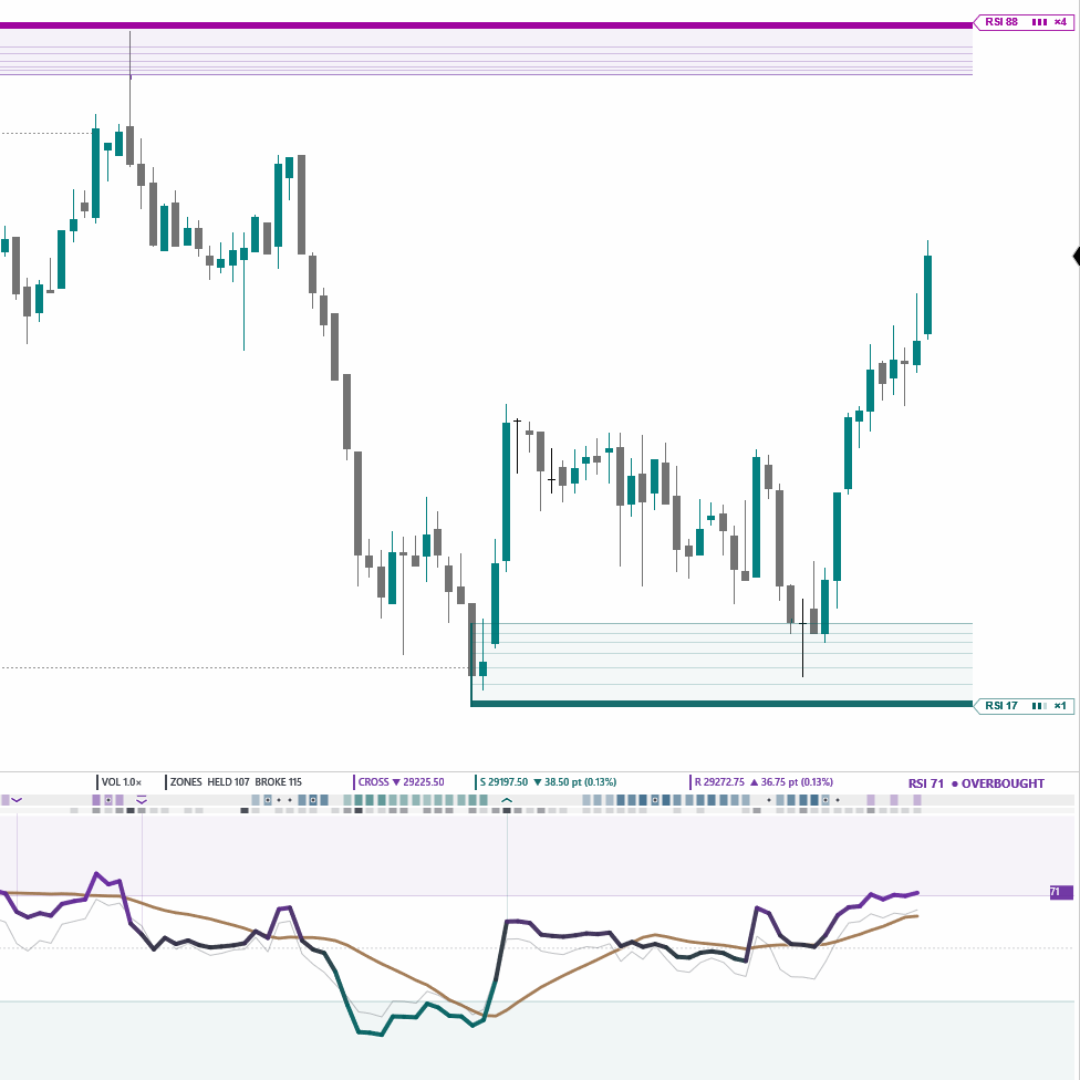
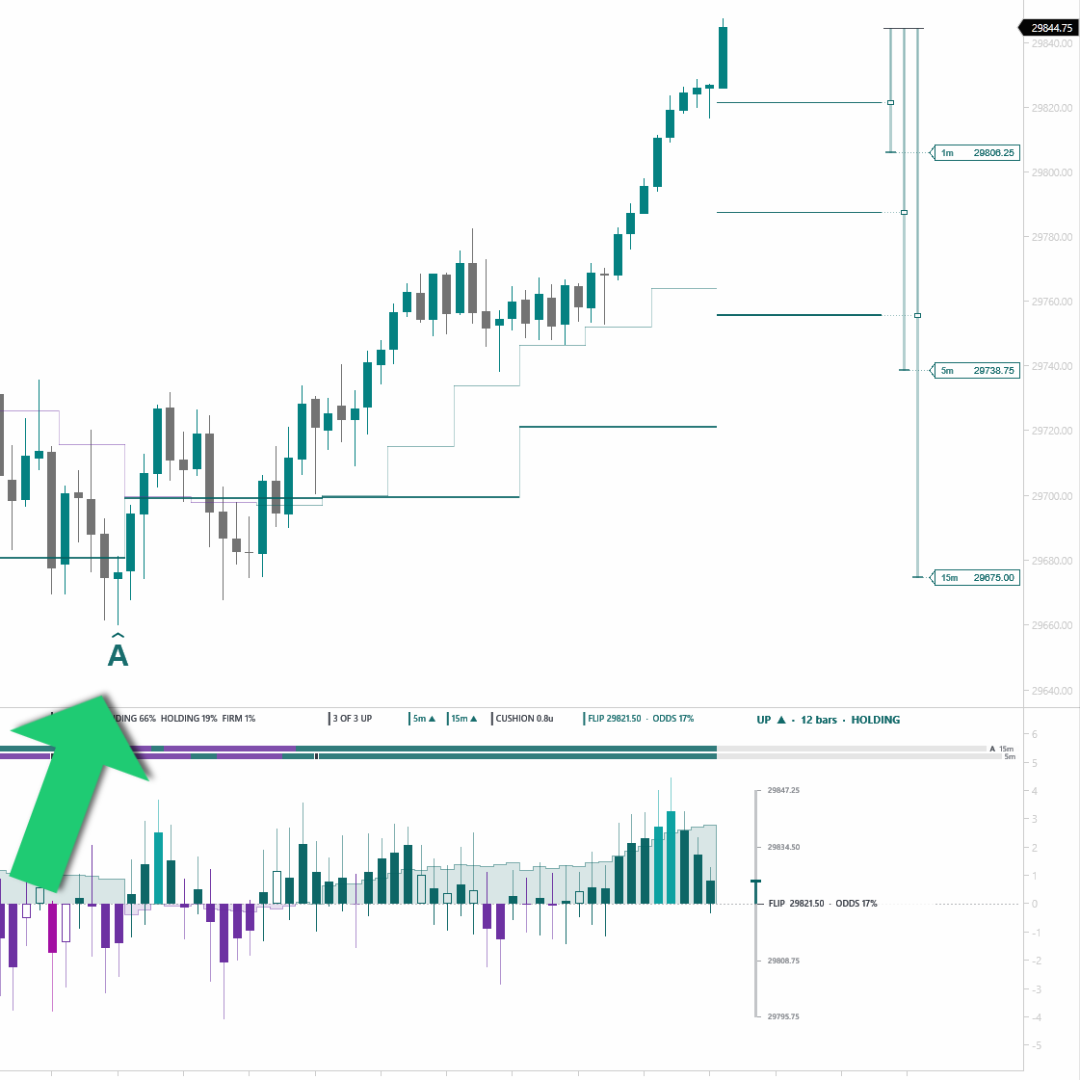
A pullback trade needs three answers in a row — is there a trend, is this a pullback inside it or the end of it, and has the pullback finished — and most panels give one of them. DS ProTrendRange gives all three on one scale: a thick TREND line for the tide, a thin SWING line for the wave, a filled pocket while the wave runs against the tide, and one signal, the RESUME, on the bar the pocket closes. When there is no tide to trade with, it says RANGING and frames the range the market is working instead. On the price chart the Tide Gauge turns those decisions into prices: each trend as a line at the close that ends it, and beside the price axis the exact closes that change the state on the bar now forming, with the distance to the nearest one.
What it reads from your chart
Price only (closed bars). No volume, no tick data.
What comes with it
- Setup
- A README and a step-by-step guide, opening with the Properties window exactly as NinjaTrader shows it.
- Settings
- Every setting explained in plain words, right where you change it.
- On your chart
- Draws on tick, range, volume and Renko charts, and sits cleanly beside every other DS tool: one look, one price-tag column.
- Updates
- Every new version, and every new DS indicator, at no extra cost: for as long as you are a member, or for life with the one-time option.
- Runs on
- NinjaTrader 8, version 8.1.8.1 or newer, on Windows.
- Questions
- Straight to support@dsuniverse.net.