DS Adaptive Price Line
Chart Essentials
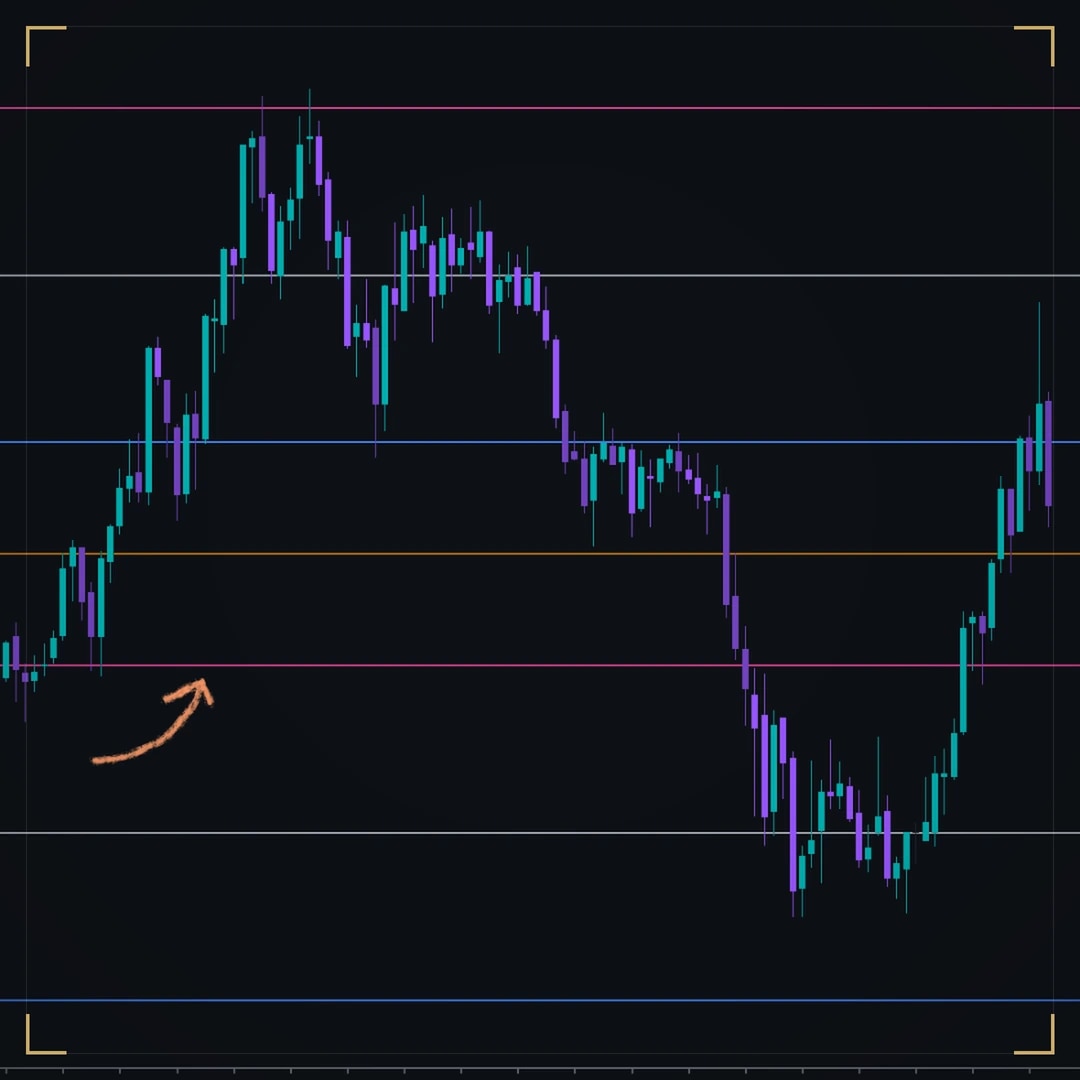
- Always anchored to the candle
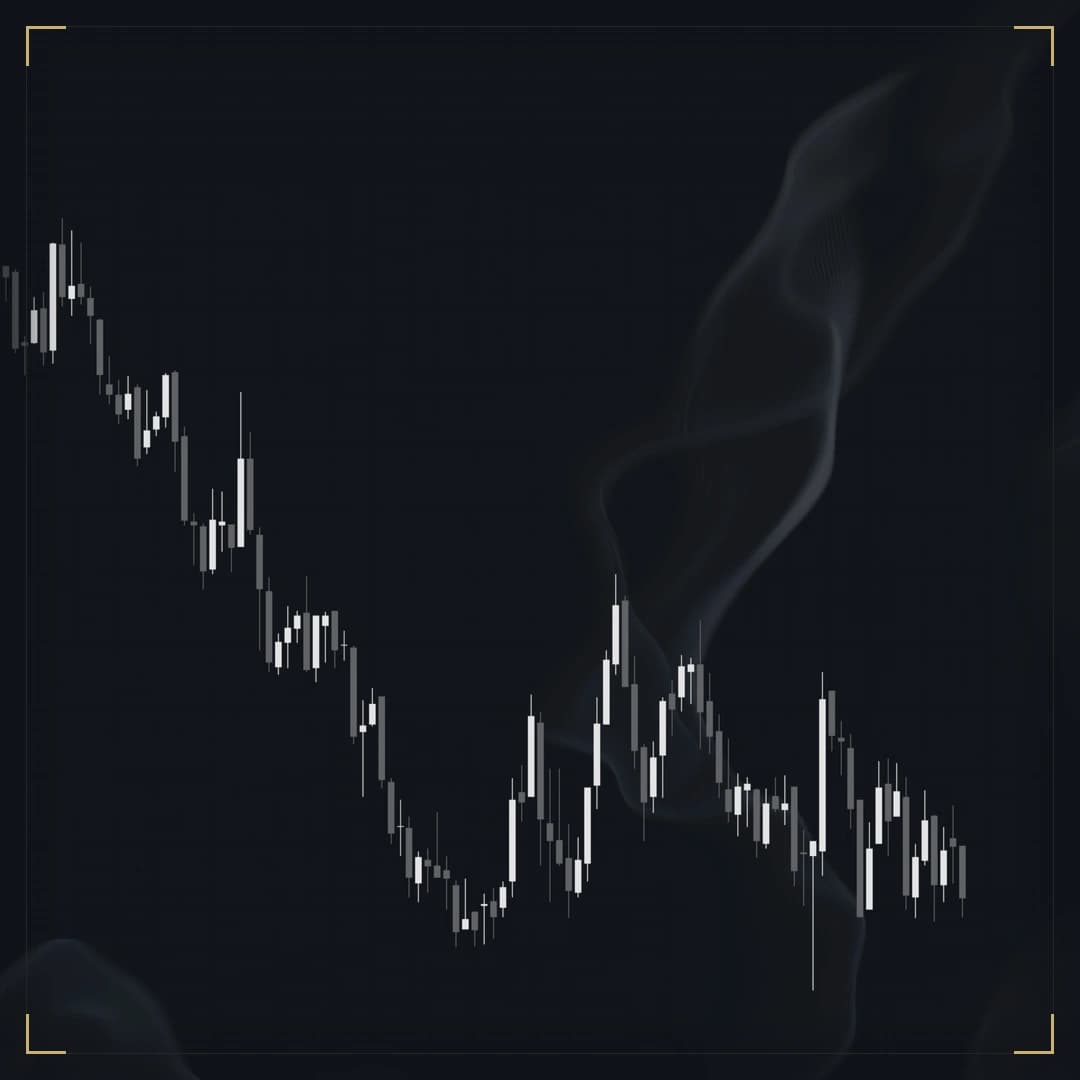
Smoke drifting behind a 1-minute NQ session, eight seconds into the loop.
Chart pictures are illustrations of the software, not a performance record. Futures trading carries substantial risk of loss and is not suitable for every investor, and hypothetical or simulated results have inherent limitations that may differ materially from live trading. Risk disclosures.
Why you need it
NinjaTrader lets a chart show a still picture behind the bars, and nothing that moves. DS Live Background plays your own video there instead, so the screen you watch for hours is one you want to look at, while the candles stay the brightest thing on it.
Built in
A slow ocean, a city at night, rain on glass, your own brand loop: behind every candle, line and drawing, looping without a seam, and drawn at the exact pixel size of your chart, so it stays sharp at any window size.
Before you buy
Where it runs
Any chart
Reads no market data, so it behaves the same on every instrument, bar type and timeframe.
What it reads
No market data, only the media file you choose.
NinjaTrader 8 · 8.1.8.1 or newer. Everything runs on your machine, on your own data feed.
Good to know
It rests when the chart is hidden, minimized or on a background tab, and eases its frame rate if a busy chart needs the room. Phone videos show upright, and sound never plays.
Free. Nothing to activate, and nothing tied to an account.
DS Universe tools are charting and research software for educational and informational purposes. They are not investment advice and no output is a forecast or a guarantee of any result. Trading futures and other leveraged instruments carries substantial risk of loss and is not suitable for every investor.

Four screenshots and a paragraph are not enough to judge an indicator on. Watch it work in your own instrument, on your own timeframe, before it goes anywhere near a live account. Both ways of doing that are free.
Market Replay runs a past session back tick by tick, at whatever speed you like. You get to watch DS Live Background behave in conditions you remember, and pause on the bars where it mattered.
Replay shows you the past with the ending already known. The simulator does not — it runs live, in real time, on real prices, with nothing at stake. That is where you find out whether you can actually act on what you are seeing.
A simulated fill is not a live fill. Replay and the simulator cannot reproduce real queue position, slippage, or what it feels like to hold a position with money on it, and results from either may differ materially from live trading. Test to learn how a tool behaves — not to estimate what it might return.
In motion
Recording · 15 sA 1-minute NQ session with DS Live Background: slow grey smoke drifts behind the candles, which stay sharp and on top.
The recording and chart pictures above show the software running; they are not a performance record. Futures trading carries substantial risk of loss and is not suitable for every investor, and hypothetical or simulated results have inherent limitations that may differ materially from live trading. Risk disclosures.
More in the vault
Chart Essentials
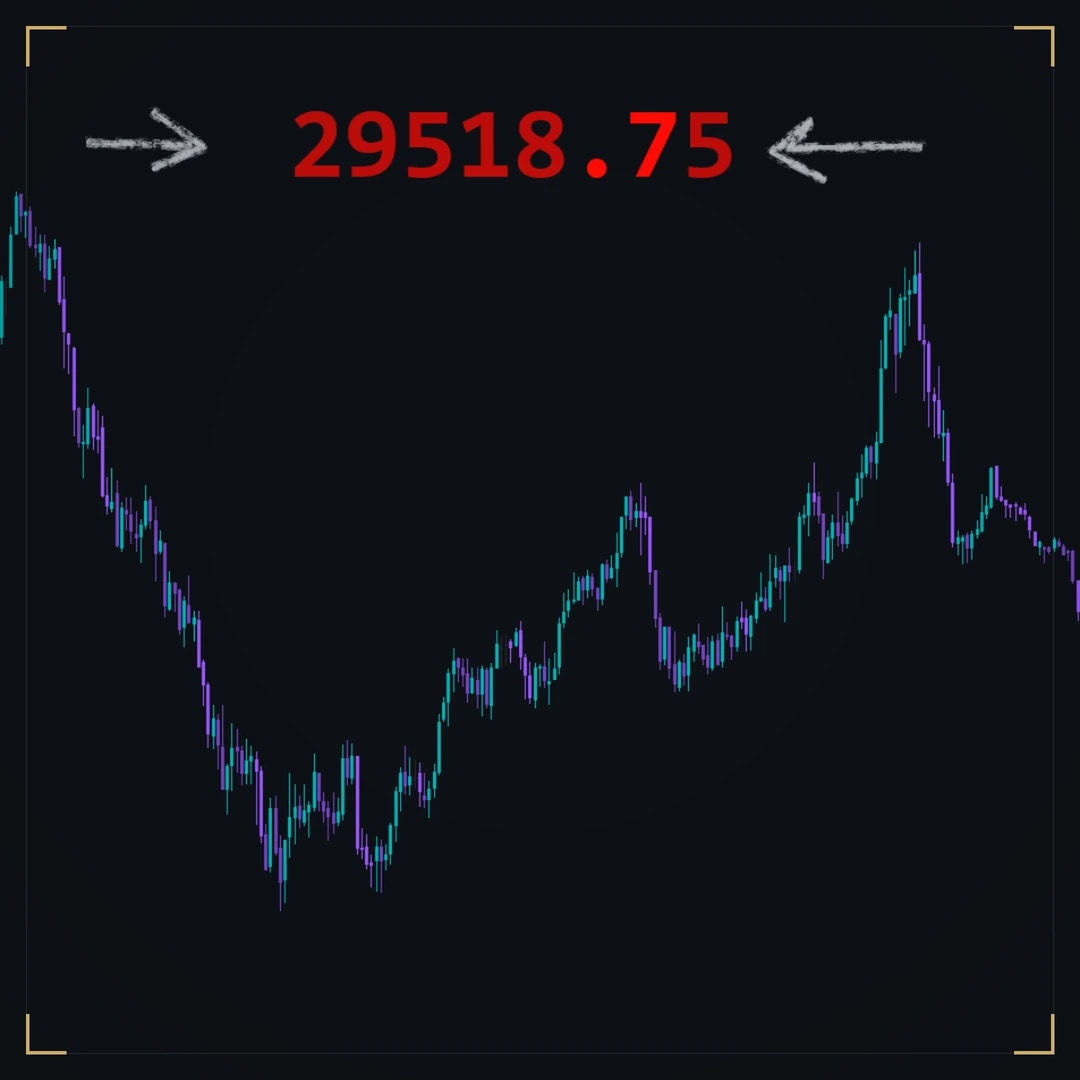
Chart Essentials
Multi-Timeframe Liquidity