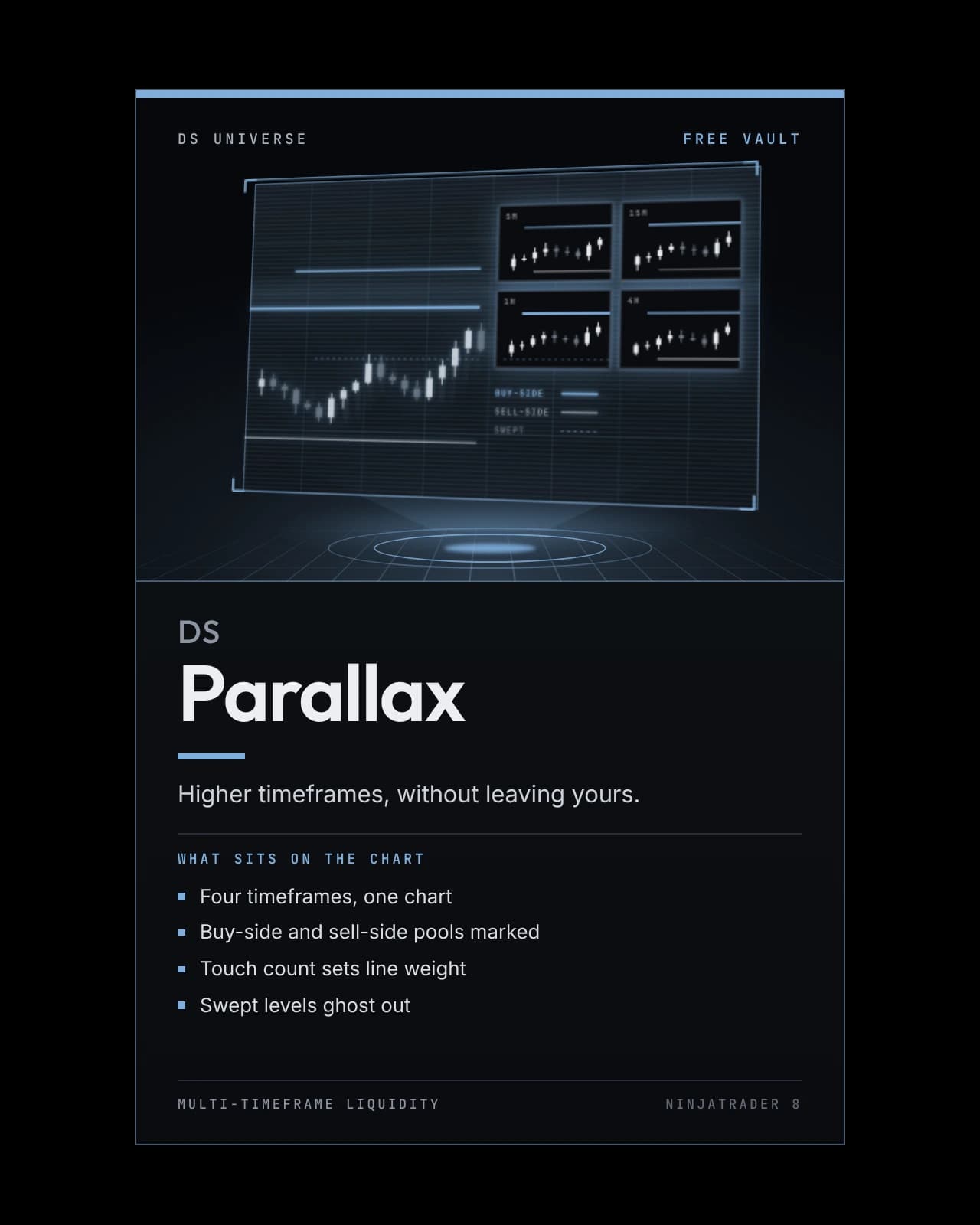
DS Parallax
A multi-timeframe liquidity matrix: up to four live higher-timeframe charts in the corner of your chart, each marking exactly where the resting stops are.
- Four timeframes, one chart
- Buy-side and sell-side pools marked
- Touch count sets line weight
- Swept levels ghost out
On the chart
Recording · 15 sA session playing out with DS Parallax: the higher-timeframe charts along the bottom build alongside the chart you trade.
The recording and chart pictures above show the software running; they are not a performance record. Futures trading carries substantial risk of loss and is not suitable for every investor, and hypothetical or simulated results have inherent limitations that may differ materially from live trading. Risk disclosures.
- Type
- Indicator
- Series
- Free Vault
- Category
- Multi-Timeframe Liquidity
- Platform
- NinjaTrader 8 · 8.1.8.1 or newer
- MarketsBuilt on NQ · MNQ
Any market NinjaTrader charts
- Futures — runs on it
- Stocks — runs on it
- Forex — runs on it
- Crypto — runs on it
Reads price only, and each panel fits its own scale to whatever market the chart is on.
How it helps
You trade one timeframe. The structure that decides whether your trade works lives on others. DS Parallax puts up to four live higher-timeframe charts in the corner of the chart you're executing on — each with its own axis, candles and countdown to close — and marks the one thing that matters most on every one of them: where the resting stops are.
At checkout, enter the email on your NinjaTrader account. The files are yours at once; the license is switched on by hand, so allow a short wait. See it on Whop
Its own download, free permanently. It is not part of DS Complete: it runs beside it. Everything in the Free Vault
DS Universe tools are charting and research software for educational and informational purposes. They are not investment advice and no output is a forecast or a guarantee of any result. Trading futures and other leveraged instruments carries substantial risk of loss and is not suitable for every investor.
Product guide
Every mark on the chart, explained
The annotated boards: a chart, with what each part of DS Parallax shows laid out beside it. Open any board to read it at full size.
Higher-timeframe structure and liquidity, without leaving your chart.
In detail
Four higher timeframes, live, in the corner of the chart you actually trade.
30m, 1h, 2h and 4h — each with its own axis, candles and countdown to close. You never change your chart's own timeframe.
It marks one thing, properly
- BSL — buy stops resting above an unswept swing high
- SSL — sell stops resting below an unswept swing low
- Line weight is the touch count — more tests, more stops sitting beyond it
- Only live pools are drawn, so what you see still exists
Run a level and close back inside, and the pool ghosts with a small cross at the sweep — the pattern worth seeing.

Test it on your own charts first.
Four screenshots and a paragraph are not enough to judge an indicator on. Watch it work in your own instrument, on your own timeframe, before it goes anywhere near a live account. Both ways of doing that are free.
- 01
Replay a session you have already seen
Market Replay runs a past session back tick by tick, at whatever speed you like. You get to watch DS Parallax print in conditions you remember, and pause on the bars where it mattered.
- 02
Then trade it forward, on the simulator
Replay shows you the past with the ending already known. The simulator does not — it runs live, in real time, on real prices, with nothing at stake. That is where you find out whether you can actually act on what you are seeing.
A simulated fill is not a live fill. Replay and the simulator cannot reproduce real queue position, slippage, or what it feels like to hold a position with money on it, and results from either may differ materially from live trading. Test to learn how a tool behaves — not to estimate what it might return.
More in the vault