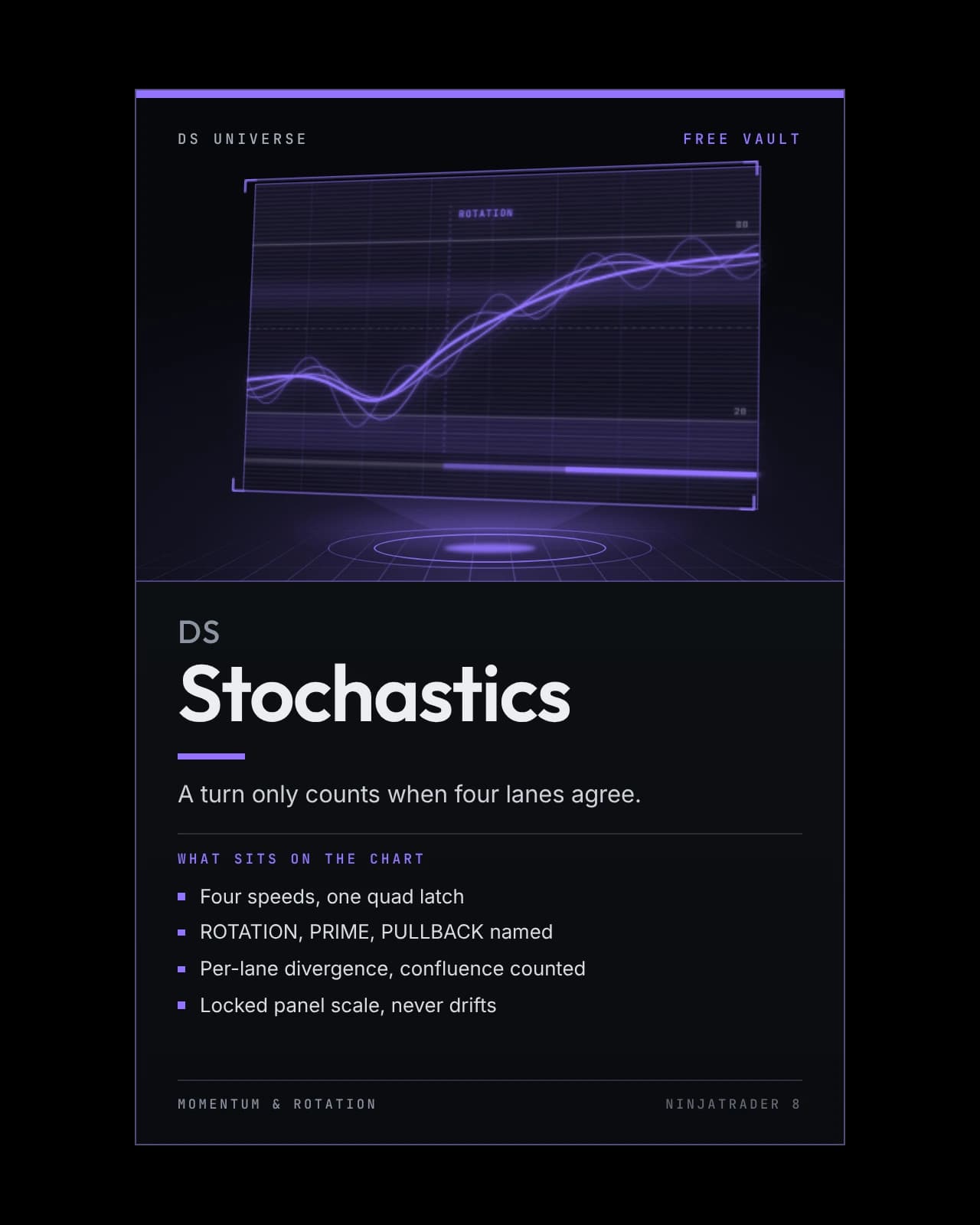
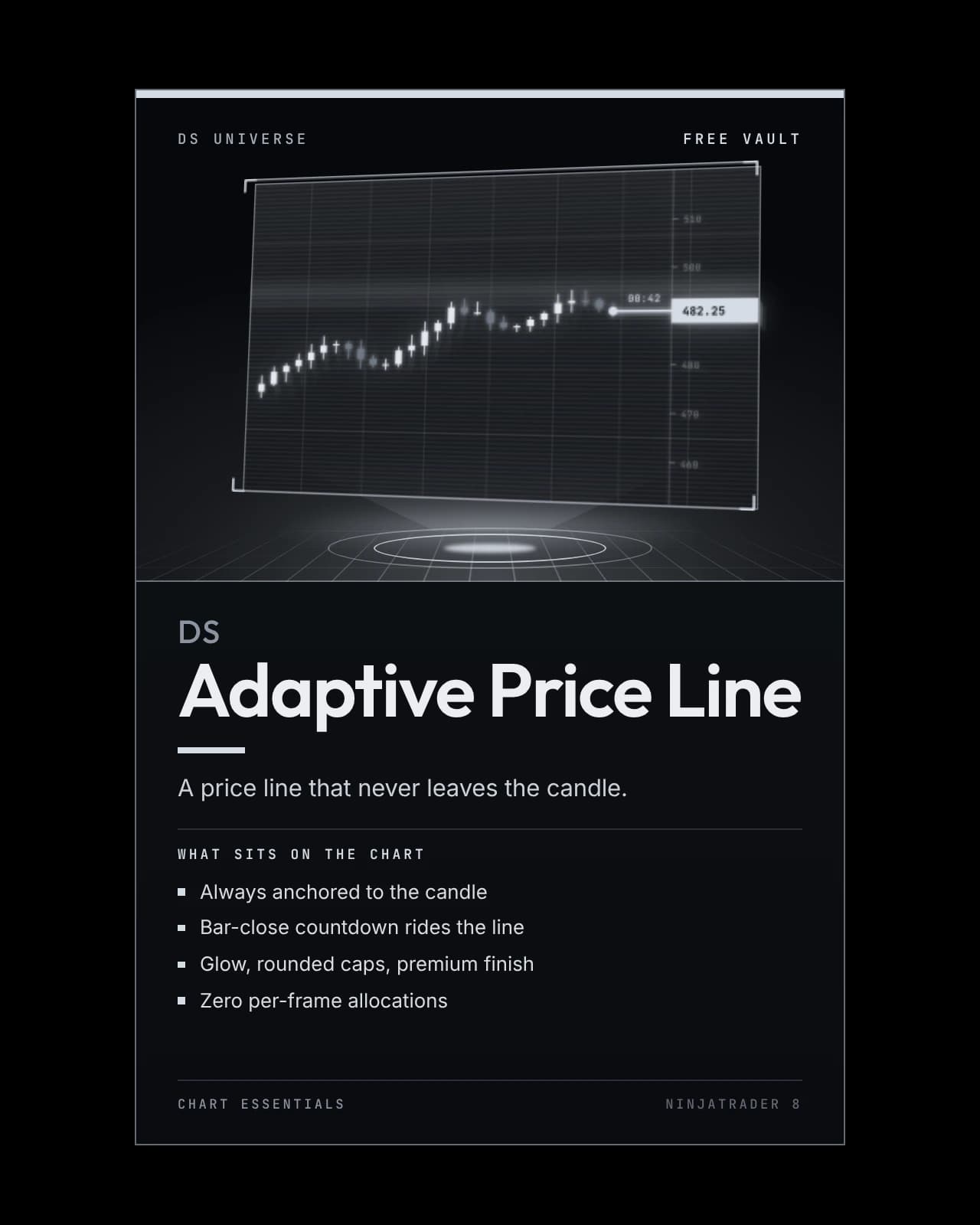
DS Adaptive Price Line
A self-anchoring replacement for NinjaTrader's native last-price line that re-derives its own geometry on every frame, so it never drifts off the candle no matter how you scroll or zoom.
- Always anchored to the candle
- Bar-close countdown rides the line
- Glow, rounded caps, premium finish
- Zero per-frame allocations
On the chart
Recording · 15 sA session playing out with DS Adaptive Price Line: the line stays on the latest price as each bar forms.
The recording and chart pictures above show the software running; they are not a performance record. Futures trading carries substantial risk of loss and is not suitable for every investor, and hypothetical or simulated results have inherent limitations that may differ materially from live trading. Risk disclosures.
- Type
- Indicator
- Series
- Free Vault
- Category
- Chart Essentials
- Platform
- NinjaTrader 8 · 8.1.8.1 or newer
- MarketsBuilt on NQ · MNQ
Any market NinjaTrader charts
- Futures — runs on it
- Stocks — runs on it
- Forex — runs on it
- Crypto — runs on it
It follows the chart's own last price, so the market makes no difference. The bar countdown shows on time-based bars.
How it helps
NinjaTrader's own price line starts at a fixed percentage of the panel's width, so it drifts off the candle the moment you scroll, zoom or change your right margin. DS Adaptive Price Line works out its position again on every render frame instead: the left end sits on the most recent candle, the level tracks the live price, and the right end meets NinjaTrader's own axis marker — wherever you leave the chart.
At checkout, enter the email on your NinjaTrader account. The files are yours at once; the license is switched on by hand, so allow a short wait. See it on Whop
Its own download, free permanently. It is not part of DS Complete: it runs beside it. Everything in the Free Vault
DS Universe tools are charting and research software for educational and informational purposes. They are not investment advice and no output is a forecast or a guarantee of any result. Trading futures and other leveraged instruments carries substantial risk of loss and is not suitable for every investor.
Product guide
Every mark on the chart, explained
The annotated boards: a chart, with what each part of DS Adaptive Price Line shows laid out beside it. Open any board to read it at full size.
Anchored to the latest candle, aligned with live price.
In detail
NinjaTrader's price line drifts off the candle the moment you scroll, zoom or change your margin.
This one re-derives its geometry on every render frame — anchored to the live candle, running to the axis marker, exactly where it belongs no matter what you do to the chart.
The details
- A bar-close countdown riding the line, timezone-proof and correct across DST
- Counts down on Heiken-Ashi and Volumetric charts too
- Glow, rounded caps and an anchor circle, painted behind the bars
- Zero per-frame allocations, so it never lags
The countdown can also run entirely on its own with the line itself switched off.

Test it on your own charts first.
Four screenshots and a paragraph are not enough to judge an indicator on. Watch it work in your own instrument, on your own timeframe, before it goes anywhere near a live account. Both ways of doing that are free.
- 01
Replay a session you have already seen
Market Replay runs a past session back tick by tick, at whatever speed you like. You get to watch DS Adaptive Price Line print in conditions you remember, and pause on the bars where it mattered.
- 02
Then trade it forward, on the simulator
Replay shows you the past with the ending already known. The simulator does not — it runs live, in real time, on real prices, with nothing at stake. That is where you find out whether you can actually act on what you are seeing.
A simulated fill is not a live fill. Replay and the simulator cannot reproduce real queue position, slippage, or what it feels like to hold a position with money on it, and results from either may differ materially from live trading. Test to learn how a tool behaves — not to estimate what it might return.
More in the vault