In the Essentials Vault · Indicator · v3.2
DS Compass
Who holds the market, and the room left.
- The side changes only on a close
- A note when it keeps changing hands
- Room left in the forecast range
- Read against this time of day
Comes with the DS Essentials Vault: every paid DS indicator for $39.99 a month, or $149.99 once for lifetime access, with every new one added at no extra cost. Not sold on its own.
$39.99 a month, renewing monthly until you cancel. Cancel any time from your Whop account: you are not billed again, and the vault stays open until the end of the month you paid for. Or $149.99 once for lifetime access: one payment, no renewal and nothing to cancel, with every new indicator and every update included. What else is inside
What it is for
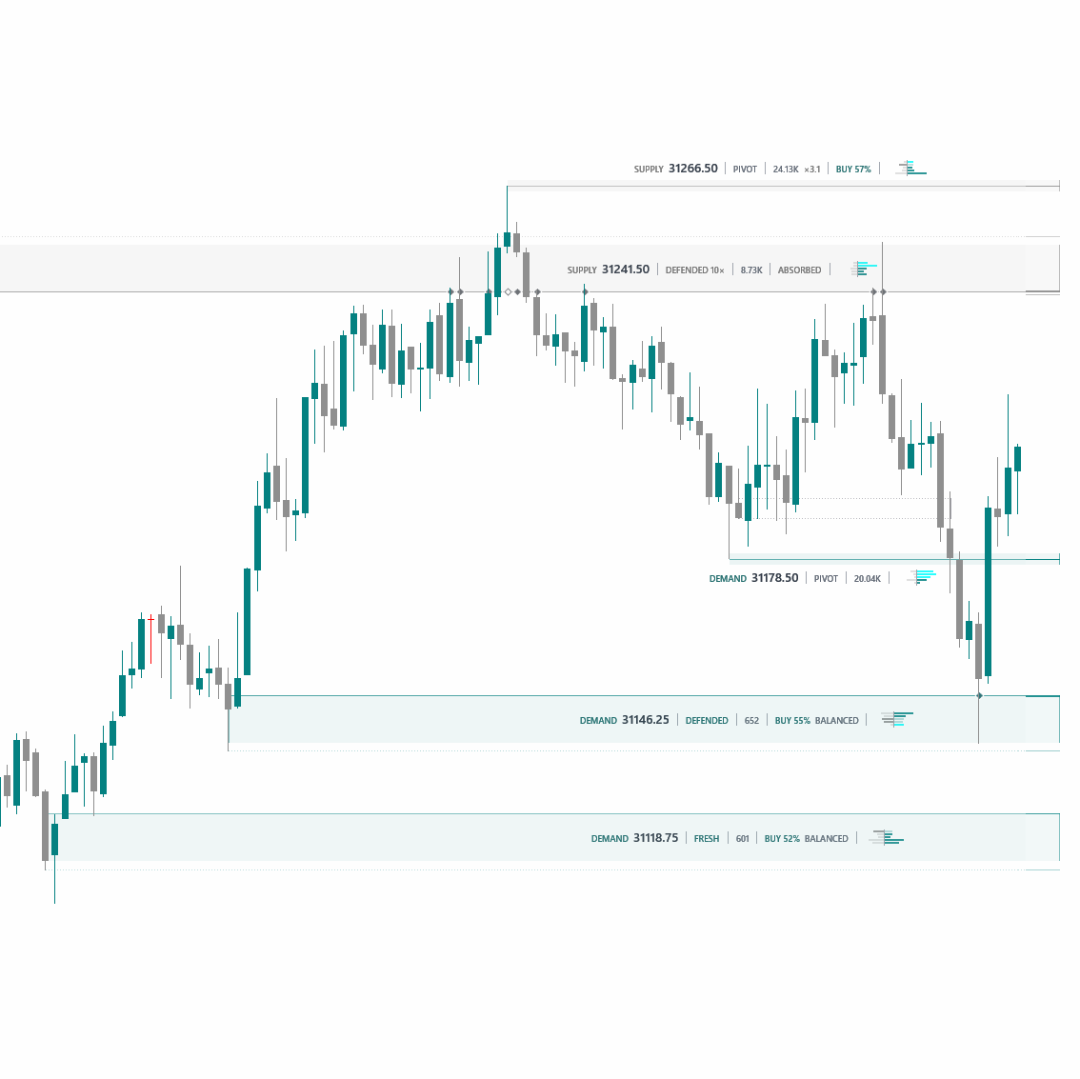
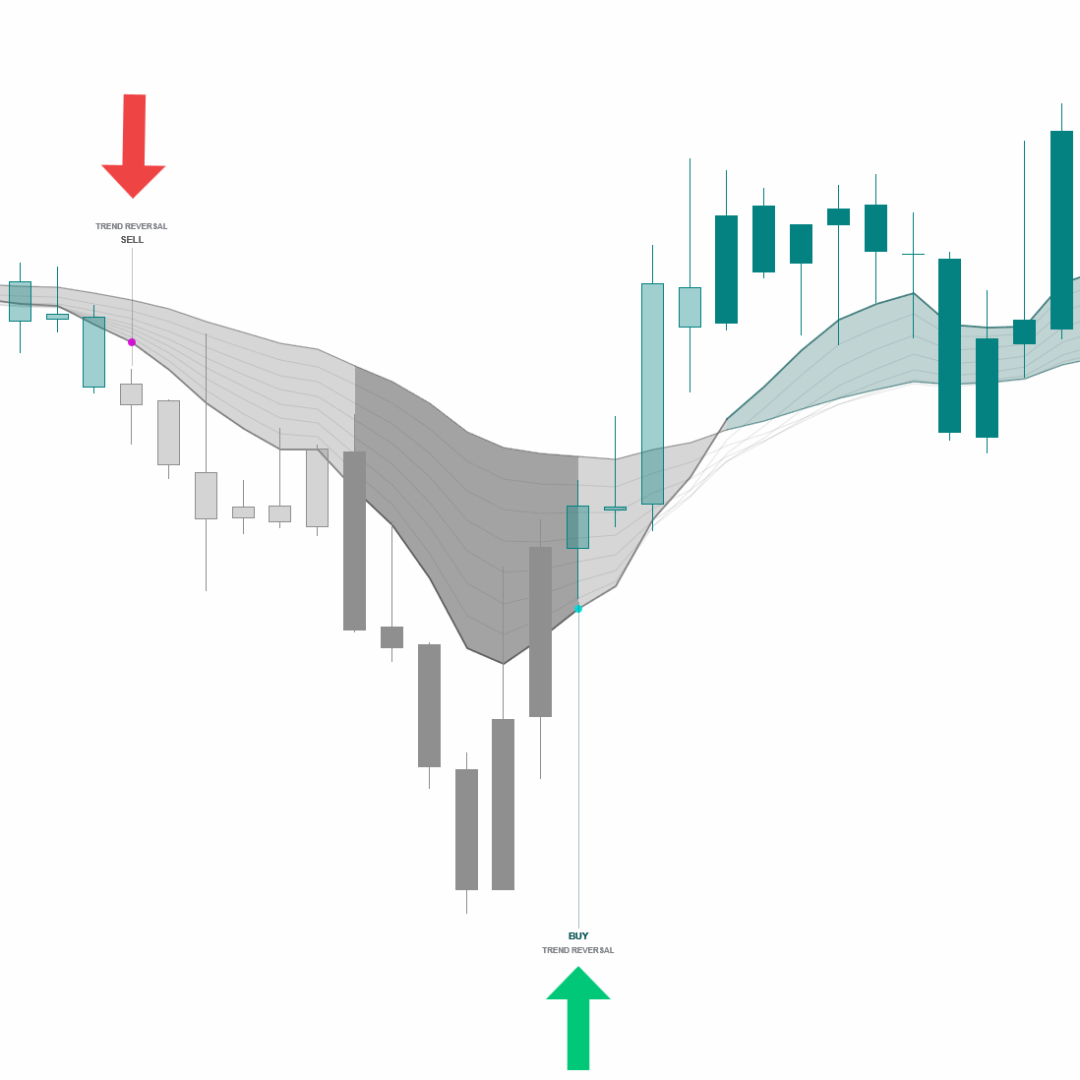
Which side of the market holds, and how much room it has. DS Compass runs one smooth line through price: while bars close above it the long side holds, while they close below it the short side holds, and the side only changes hands when a bar closes clearly through the line — price brushing it changes nothing. When the side keeps changing hands, the panel says so in plain words: changing hands, or chopping. Beside the line, a reading panel measures today against the same time of day on previous sessions — how much range is left in the forecast, how far price has stretched from the line, how much of a usual day has been used, and how busy the tape is for this hour.
What it reads from your chart
Price and bar volume (the line is weighted by where volume traded), each reading compared with the same time of day on earlier sessions — history it requests itself. Closed bars.
What comes with it
- Setup
- A README and a step-by-step guide, opening with the Properties window exactly as NinjaTrader shows it.
- Settings
- Every setting explained in plain words, right where you change it.
- On your chart
- Draws on tick, range, volume and Renko charts, and sits cleanly beside every other DS tool: one look, one price-tag column.
- Updates
- Every new version, and every new DS indicator, at no extra cost: for as long as you are a member, or for life with the one-time option.
- Runs on
- NinjaTrader 8, version 8.1.8.1 or newer, on Windows.
- Questions
- Straight to support@dsuniverse.net.